Smart Mobile Scanner
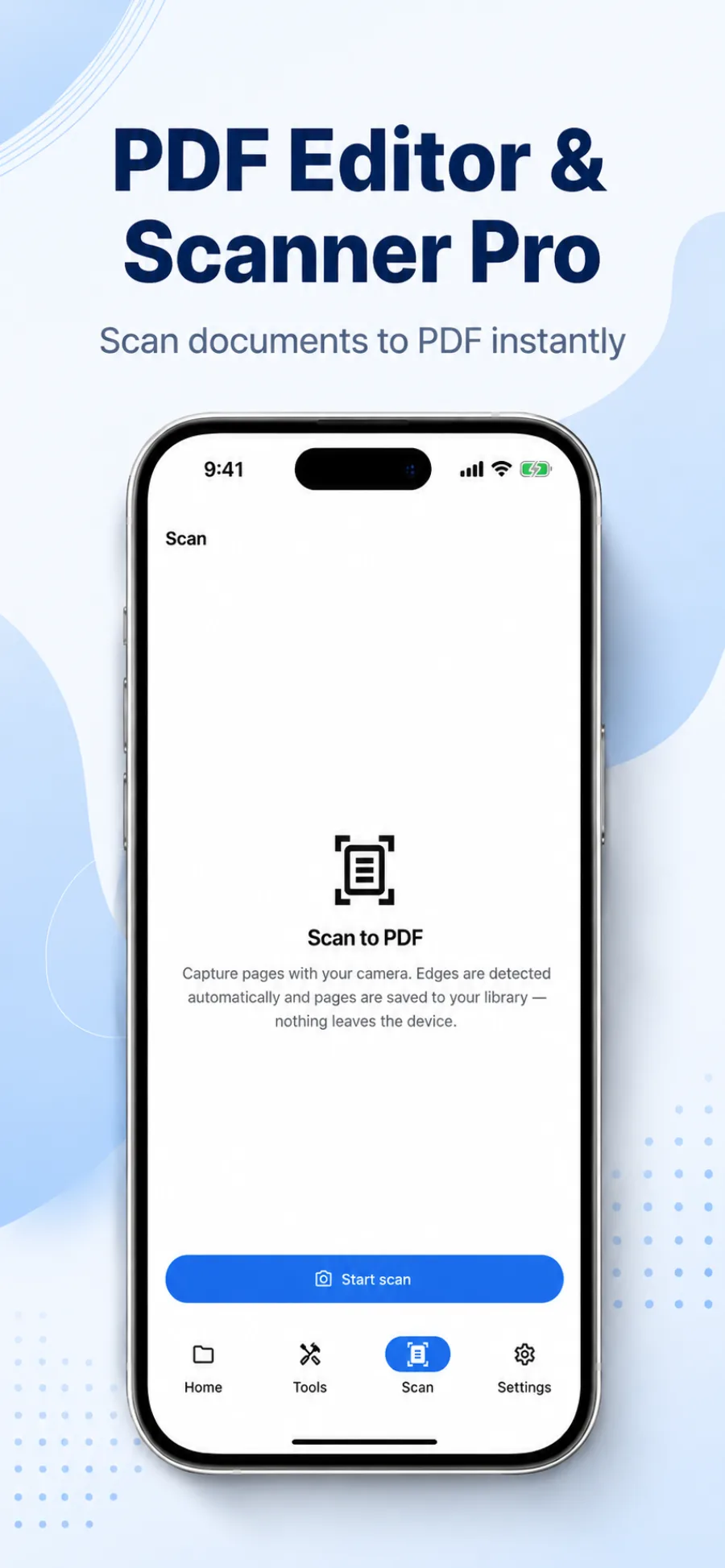
Auto-capture edge detection, crop and straighten, multi-page scans, and receipts straight to PDF.
Scan paper documents, mark up PDFs, fill forms, and sign contracts — all in one app. Your entire PDF workspace, in your pocket, no desktop needed.


Trusted by students, freelancers & teams
Stop juggling three apps. Scan, edit, sign, convert, and secure documents — all from a single, fast mobile workspace.
Auto-capture edge detection, crop and straighten, multi-page scans, and receipts straight to PDF.
Pen, highlighter, eraser, text boxes, sticky notes, and image insertion.
Tap-to-fill form fields, draw your signature, and reuse a saved signature with one tap.
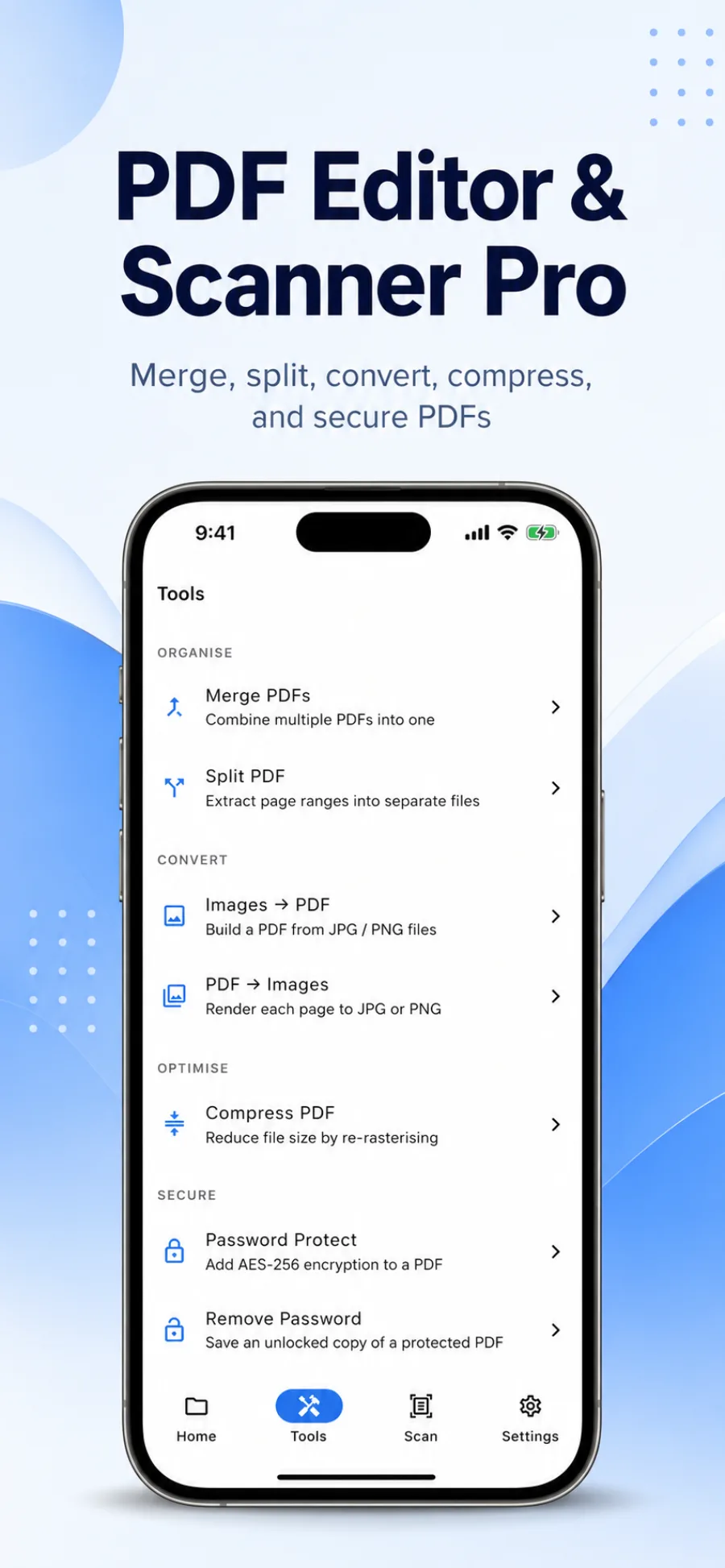
Combine files, extract pages, image-to-PDF, and PDF-to-image.
Reduce file size, password protect or remove, and redact sensitive data permanently.
Reorder, rotate, and delete pages, plus in-document search and bookmarks.
From paper to signed-and-sent in under a minute.
Scan a document with your camera or import an existing PDF or image.
Mark up, fill forms, redact sensitive info, and drop your signature.
Save to cloud, compress, or send instantly via email, message, or link.
Watch the full scan → edit → sign flow
Scanning IDs, contracts, and receipts means handling sensitive data. PDF Editor & Scanner Pro is built privacy-first — biometric app lock, permanent redaction, and on-device processing by default.
Read the full Privacy Policy →Keep private documents behind biometric authentication.
Permanently hide account numbers, names, or anything confidential before you share.
Documents are processed on your device. Cloud backup is optional and opt-in.
Add or remove a password on any PDF in a couple of taps.
PDF Editor & Scanner Pro is an all-in-one PDF scanner and editor for iPhone, iPad, and Android, made by SRKWebstudio. It lets you scan paper documents, edit and annotate PDFs, fill forms, e-sign, merge, compress, and secure files — free to download, with an optional Pro subscription. Best for students, freelancers, and anyone who needs to scan, sign, or edit PDFs without a computer.
No more emailing yourself scanned receipts
Scan straight to an organized PDF library on your phone.
No more hunting for a printer to sign one page
Sign with your finger and send it back in seconds.
No more juggling separate scanner, editor & merger apps
Every PDF tool lives in one fast app.
No more worrying who sees sensitive documents
Lock the app with Face ID and redact before sharing.
Yes, PDF Editor & Scanner Pro is free to download and use. Scanning, basic editing, annotation, signing, form filling, and page management are all included at no cost. A Pro subscription unlocks extras like unlimited merging, compression, OCR text recognition, and premium cloud integrations.
Join thousands scanning, signing, and editing PDFs from their phone — free download, no credit card required.